Your iPhone or iPad → trackpad, keyboard, app-aware Grid & remote for your Mac · Free Mac app

Run your whole Mac with one finger.

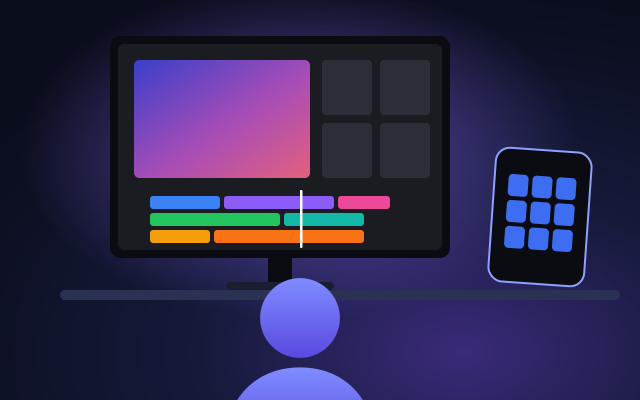
Control My Mac turns your iPhone or iPad into a precision trackpad, keyboard and app-aware Grid for your Mac. Point, click, scroll, type, run shortcuts that switch with the Mac app, launch apps and switch windows — with a single finger, from anywhere in the room.

macOS 14+ · iOS/iPadOS 18+ · Free · No account, no servers

iPhone & iPad app: Download on theApp Store

The whole Mac, one-handed

Everything on screen is reachable through one finger on your iPhone or iPad — built that way from the start, not adapted afterwards. Hover, focus or tap a card to watch it in action.

Precision trackpad

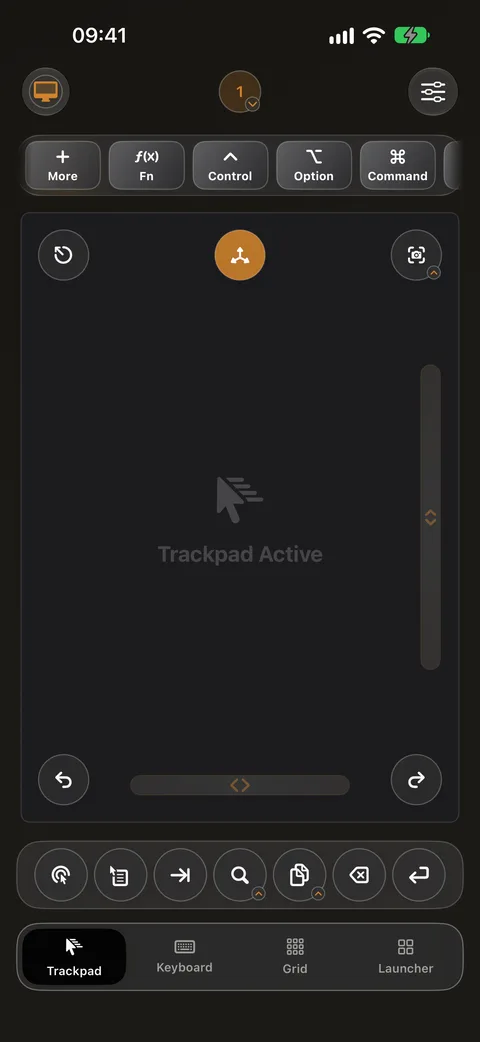
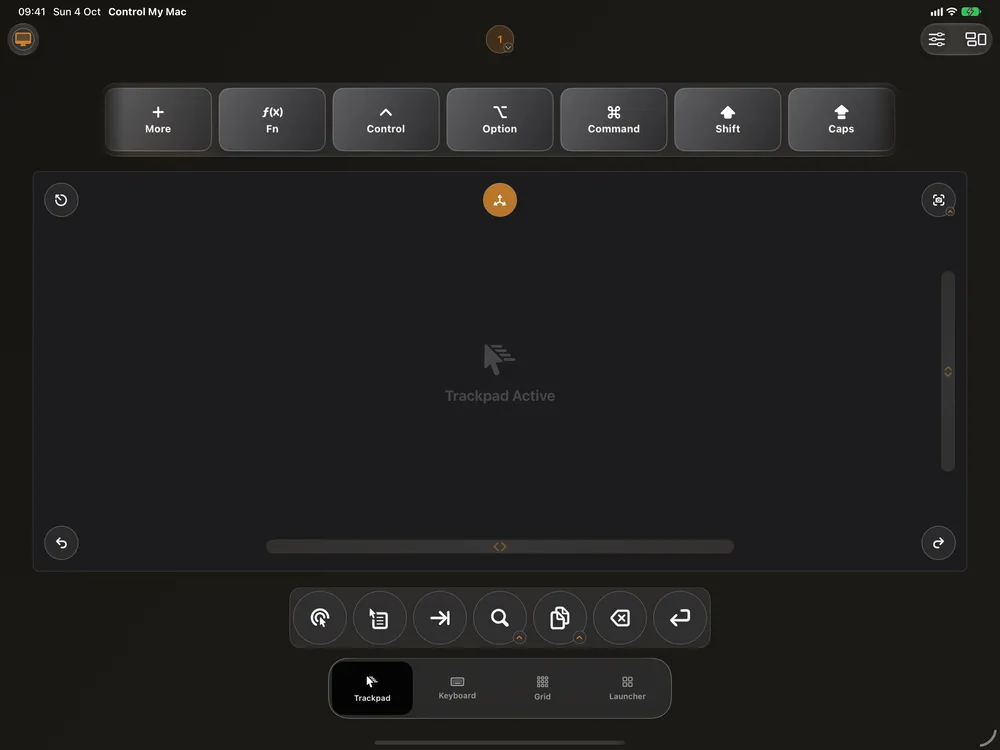
Move the pointer, click, right-click and scroll with smooth, low-latency gestures sized for one hand.

Composer keyboard

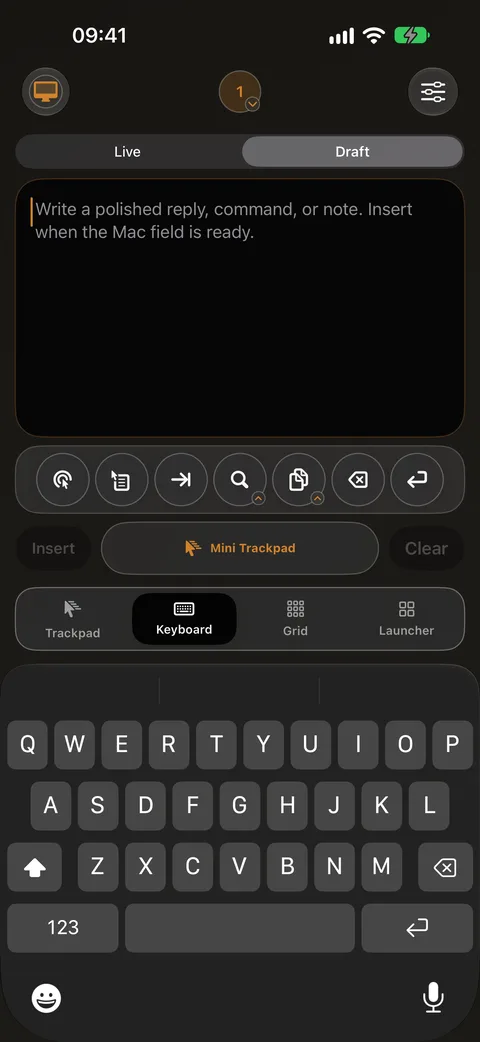
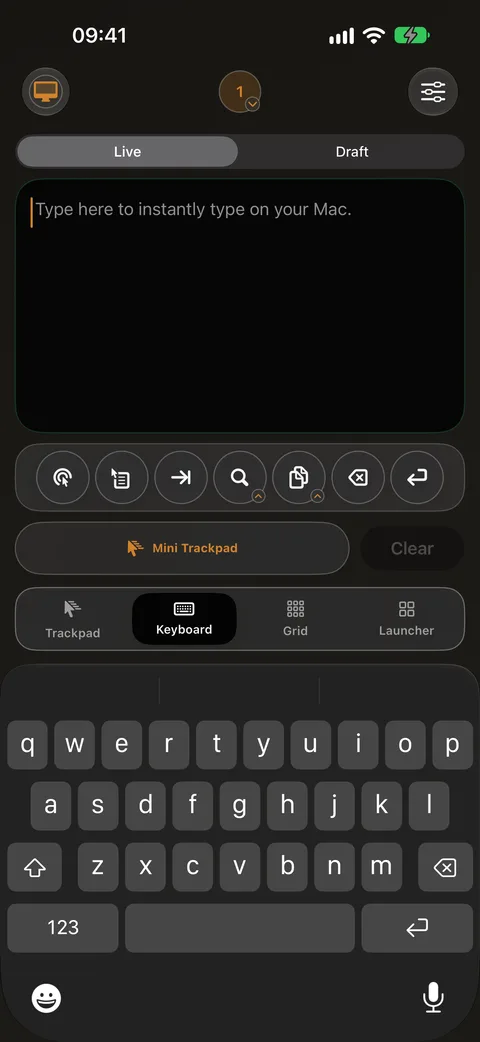
Draft and edit a whole message on your iPhone or iPad, then insert it on the Mac in one go — no racing a live cursor.

Live keyboard

Type straight into whatever has focus on the Mac, key by key, exactly like a hardware keyboard.

1 free button

Grid buttons

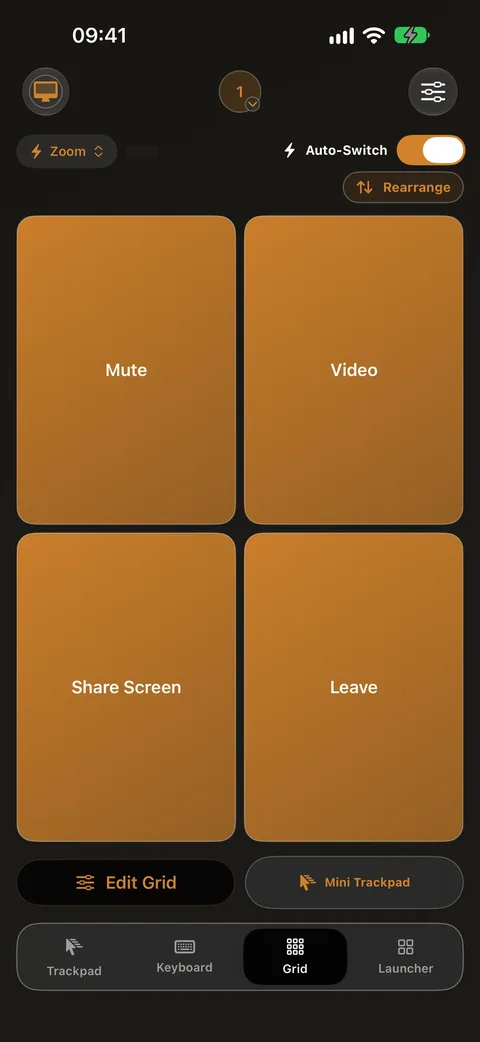
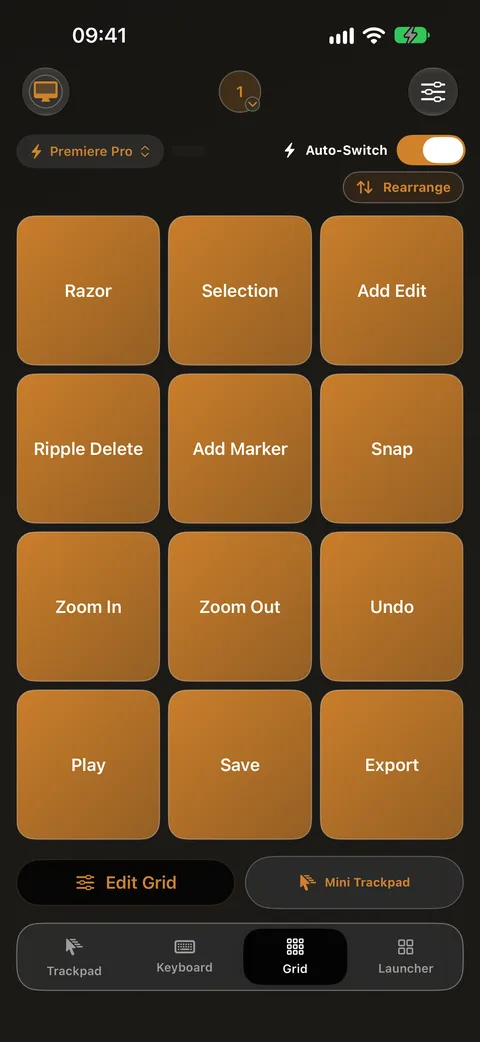
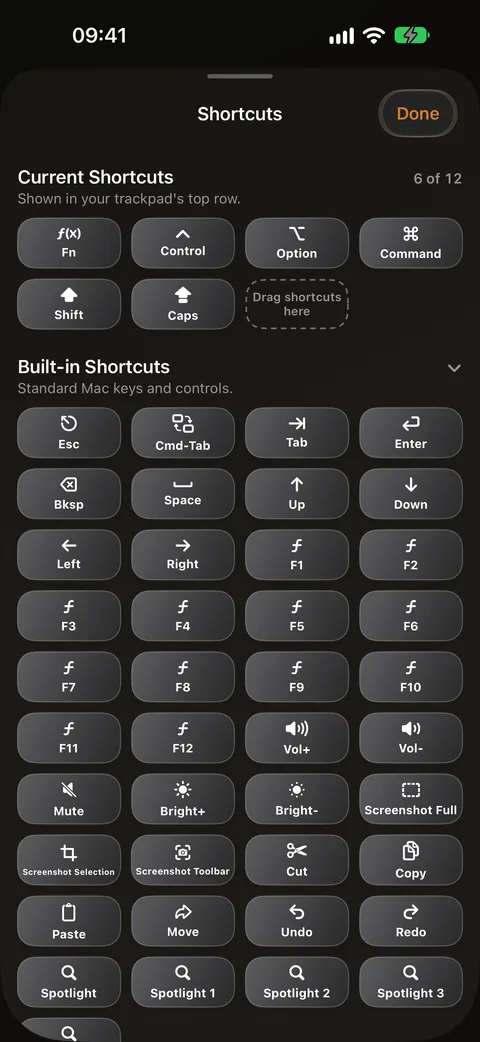
Put favorite Mac shortcuts on a rearrangeable grid, then assign grids to Mac apps so the right buttons appear automatically.

Preview

App launcher

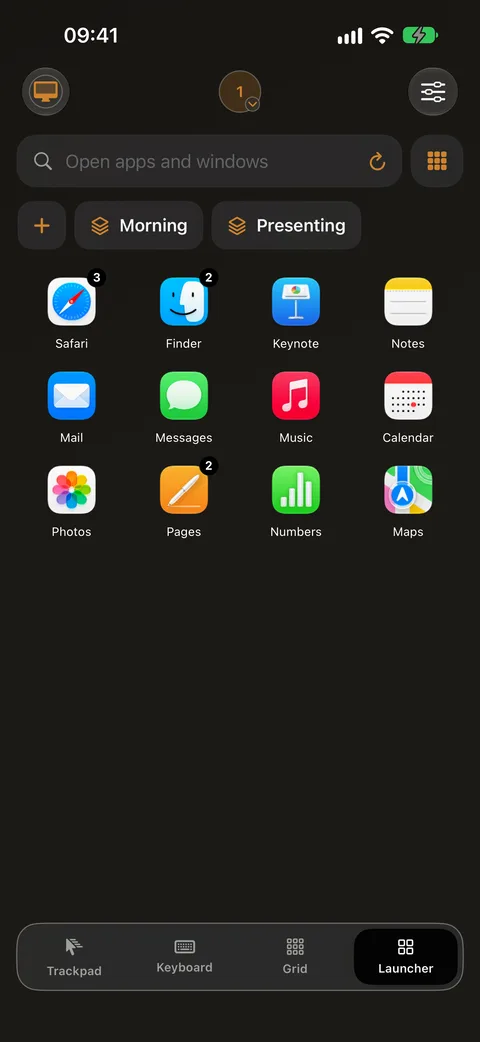
Browse Mac apps and windows from your phone. Essentials can try a focus action; Full App makes it uninterrupted.

Full App

Window switching

Jump between windows and apps from your phone, so the screen you need is always one tap away.

Full App

Mac keyboard shortcuts

Fire two-handed keyboard chords as single taps — copy, paste, screenshots, app shortcuts and more.

Made for anyone

If you have an iPhone or iPad, a Mac and a reason not to be at the keyboard right now, this is for you. A few of the people it already fits:

One usable hand

Injury, RSI, a cast, a baby asleep on your arm, limited mobility — the whole Mac stays within reach of one finger.

Couch & movie nights

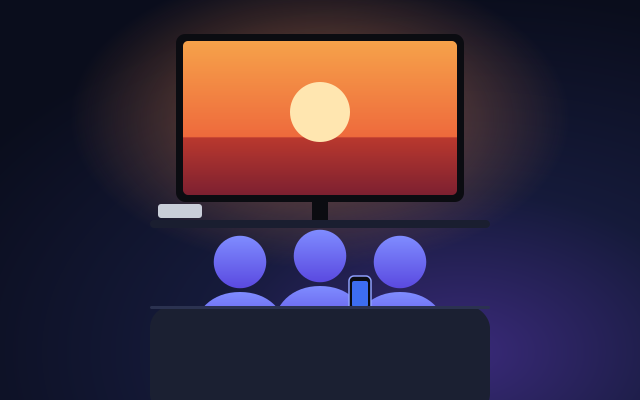
Scroll, search, queue the next episode and click pause on screen — without leaving the blanket.

Mac-mini home theater

The Mac under the TV finally gets a remote worthy of it. Browse, queue and play from the sofa.

Presenters & teachers

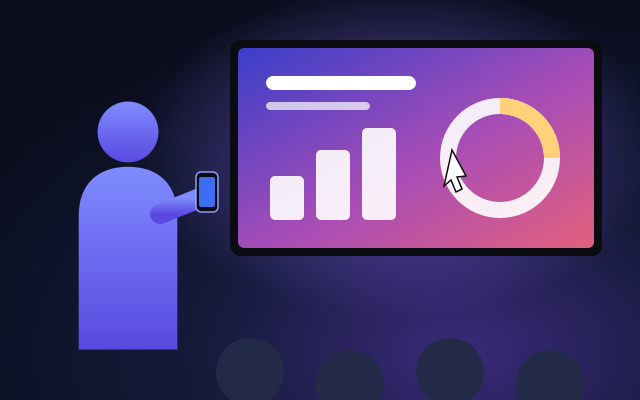
Walk the room and keep slides, demos and the pointer in your pocket.

Power users

A second input deck beside the keyboard: launcher, window switching and shortcuts on glass.

In bed

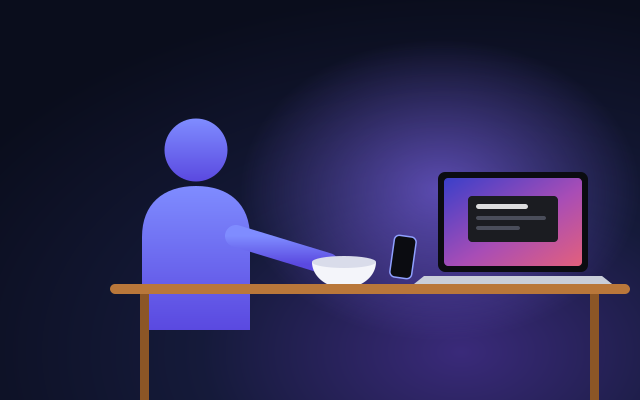
Lights off, film on, Mac across the room. Click the on-screen controls without surfacing from the duvet.

At the kitchen counter

Hands in the dough, recipe on the Mac. Scroll the next step and click to the next song without washing up first.

Standing desks & pacers

Take the call walking. The screen keeps up with you, not your chair.

Music across the room

Click play, pause, skip or the volume slider on screen from wherever the evening has moved you.

Accessibility-first computing

Designed one-finger-first, not retrofitted. Every feature reachable without a second hand on deck.

Not sure where you fit? Answer one question →

Paired in under a minute

No sign-up, no cables, no IP addresses, no firewall spelunking. Scan a code and go.

Install the free Mac app

Download Control My Mac for Mac — a lightweight menu-bar companion. Open it and it shows a QR code.

Get the app

Install Control My Mac on your iPhone or iPad from the App Store. Keep both devices on the same Wi-Fi, or use Bluetooth.

Scan the QR code

Point your iPhone or iPad at the code on your Mac. The devices pair directly — encrypted, device-to-device — and you're in control.

Step 1 takes 30 seconds.

Free · No account

Yours, not ours

A pointing device should not have a business model between you and your Mac.

No account, no servers

Nothing to sign up for. Your iPhone or iPad talks directly to your Mac over your local network or Bluetooth, encrypted.

No ads, ever

Not in the free tier, not anywhere. A remote control is not a billboard.

Camera = QR only

The camera is used for exactly one thing: scanning the pairing code on your Mac. Nothing is stored or sent.

Clear pricing, on the page

The Mac app is free — forever. It isn't a tier, it's the download. The iPhone and iPad app starts with a free 7-day trial of Full App that auto-renews at €4.99/month unless you cancel — cancel anytime and you stay on Essentials, free.

Mac app

Free

Forever — not a tier, not a trial

The Mac app is free — forever. The iPhone and iPad app has a free 7-day trial of Full App that auto-renews at €4.99/month unless you cancel; cancel anytime and Essentials stays free.

Essentials

€0

Free forever

  • Trackpad movement, click and right click
  • Live and Draft Keyboard: typed text, Tab, Backspace and Enter
  • One Grid button plus Launcher preview
  • No ads, no account — same privacy as Full App

Full App

€4.99/month

free 7-day trial, then auto-renews · cancel anytime · in the iPhone or iPad app

€19.99 once

Own it forever — one-time purchase, no subscription · in the iPhone or iPad app

  • Everything in Essentials
  • Scrolling and Mini Trackpad controls
  • Full Grid: every button, learn-from-Mac capture, app auto-switch and rearranging
  • Launcher and window switching without upgrade prompts
  • Mac shortcuts, gestures, presets and tuning

Every feature is listed above — nothing hidden behind surprise paywalls. Full App is a paid upgrade inside the iPhone & iPad app only, purchased through Apple — you can't buy anything on this website or in the free Mac app.

Set up in under a minute

The Mac half takes 30 seconds to install. Get the iPhone or iPad app from the App Store, then pair with one scan.

macOS 14+ · iOS/iPadOS 18+ · Free Mac app · No account