One tap, one shortcut (or a few)
Each button sends a key combo to your Mac, like Shift-Command-4. A button can also send several combos back to back. Give it a short label so you know at a glance what it does.
Grid buttons that follow the app you're in
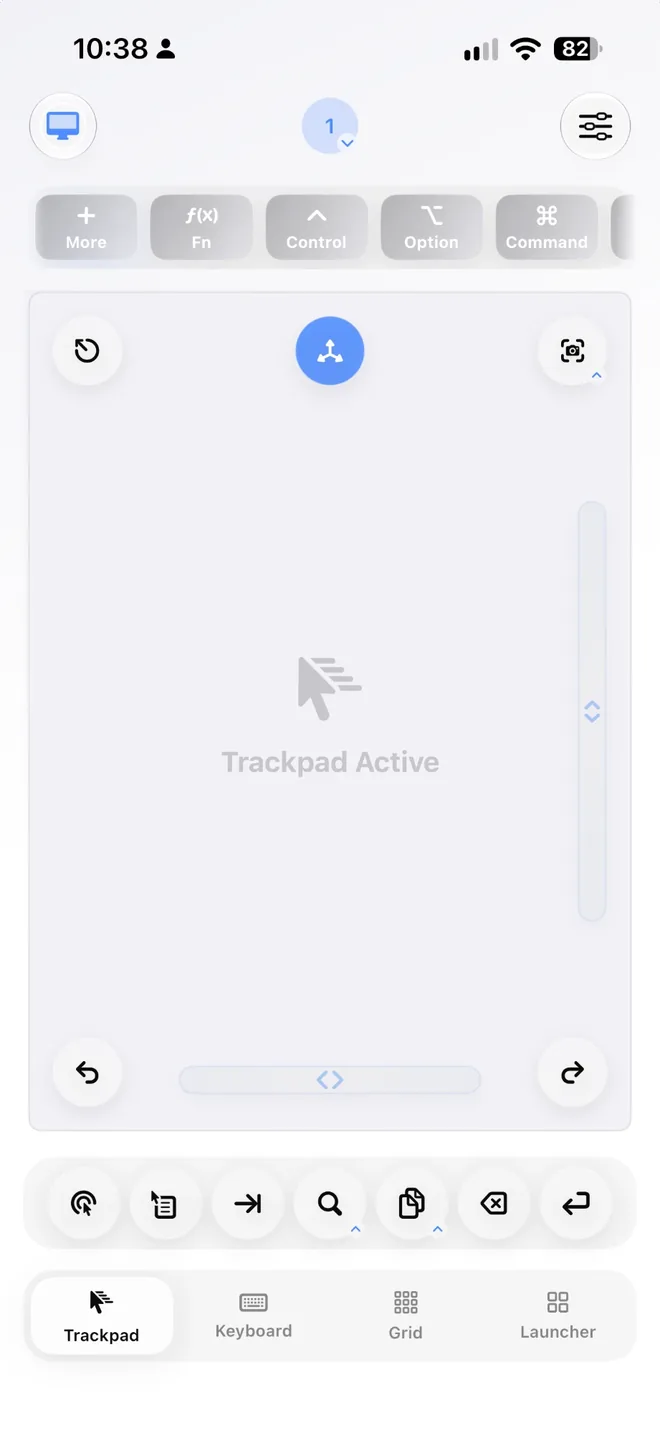
A Stream Deck is a grid of buttons that fire actions on your computer. If most of your buttons would be Mac keyboard shortcuts, the iPhone or iPad in your pocket can do that job. Control My Mac gives you a Grid of one-tap shortcut buttons that changes by itself when you switch apps, plus a trackpad and keyboard for everything else.
macOS 14+ · iOS/iPadOS 18+ · Free Mac app · No account
Four things make the Grid behave like a deck of shortcut keys, without buying another gadget for your desk.
Each button sends a key combo to your Mac, like Shift-Command-4. A button can also send several combos back to back. Give it a short label so you know at a glance what it does.
Start recording on the phone, press the combo on your Mac's keyboard, and it's saved to the button. No hunting through menus for the right symbols. You can also enter a shortcut by hand.
Save several Grids as profiles and assign each one to a Mac app. When that app comes to the front, its Grid appears on your phone. You can still switch profiles by hand whenever you want.
Choose how many rows and columns you want, then drag buttons into the order that suits your thumb. On iPad the Grid gets bigger, with room for more buttons.
Two honest details. Learning a shortcut needs the Input Monitoring permission for Control My Mac on the Mac. It only listens while you're recording, and saves just the combo you pressed. If you'd rather not grant it, type the shortcut in manually. And the full Grid is part of the paid Full App: the free Essentials plan includes one Grid button, so you can try the idea before paying.
The Grid sends keyboard shortcuts, so the best setups are apps you already drive from the keyboard. A few realistic starting points.
Three buttons: Shift-Command-3 for the whole screen, Shift-Command-4 for a selection, Shift-Command-5 for the screenshot toolbar with its recording options. They work everywhere, so this makes a good default Grid.
New tab (Command-T), reopen the tab you just closed (Shift-Command-T), reload (Command-R), jump to the address bar (Command-L). Assign it to Safari or Chrome and it shows up whenever the browser is in front.
New folder (Shift-Command-N), Get Info (Command-I), Go to Folder (Shift-Command-G), Move to Trash (Command-Delete). Sorting a downloads folder becomes tap, tap, tap.
Video, photo, audio and design apps have dozens of shortcuts. Record the ten you actually use (tools, markers, undo, export) into a Grid assigned to that app. Learning them straight from the Mac saves you looking them up.
One thing to keep in mind: an app's own shortcuts only work while that app is in front. That's exactly why the Grid follows the frontmost app, and why the launcher and window switching sit one tap away when you need to bring a different app forward first.
As of September 2026, US prices, taken from Elgato's and Apple's own pages. Prices vary by region and change over time.
| Control My Mac | Stream Deck MK.2 (hardware) | Stream Deck Mobile | |
|---|---|---|---|
| What it is | iPhone and iPad app, plus a free Mac companion app | USB-C desk controller with 15 LCD keys | iPhone, iPad and Android app that works with the Stream Deck desktop software |
| Price | Essentials free (includes one Grid button). Full App $3.99/month or $17.99 once | $149.99. The smaller Stream Deck Neo (8 keys) is $99.99 | 6 keys free. Pro is $2.99/month, $24.99/year or $49.99 lifetime |
| Buttons | A Grid with the rows and columns you choose | 15 physical keys | 6 free, up to 64 with Pro |
| What a button can do | Keyboard shortcuts, recorded from the Mac or entered by hand | Shortcuts plus a large library of plugins, profiles and icons | Actions and plugins from the Stream Deck software |
| Changes by app | Yes, assign a Grid to a Mac app | Yes, with Smart Profiles | Set up in the Stream Deck desktop app |
| Connection | Bluetooth or Wi-Fi, paired by QR code, no account | USB-C cable | Wi-Fi, with the Stream Deck app running on the computer |
| Computers | Mac (macOS 14 or later) | Mac and Windows | macOS 10.15+ or Windows 10+ |
| Trackpad and keyboard too | Yes | No | No |
Sources: Stream Deck MK.2, Stream Deck Neo, Stream Deck Mobile and its App Store page, Smart Profiles, and the Control My Mac App Store page. Checked September 2026.
Plenty of people should just buy the hardware. Here's when.
Physical keys sit in the same spot every day and you can find them by feel. There's no phone to pick up or unlock, and nothing else competes for the screen.
Stream Deck plugins connect to apps directly. If you need actions that aren't keyboard shortcuts, like controlling streaming software through a plugin, the Grid can't do that.
Stream Deck works with Mac and Windows. Control My Mac is Mac only.
Elgato makes models with dials and a touch strip, plus a foot pedal. A phone screen is flat glass, so it can't replace those.
If you already own Stream Deck hardware and rely on its plugins, Stream Deck Mobile adds keys to the setup you know, and six of them are free. It also works with Windows and Android.
Step-by-step setup, Bluetooth vs Wi-Fi, and using an iPad as a trackpad.
Control My Mac vs Remote Mouse, Mobile Mouse and Unified Remote.
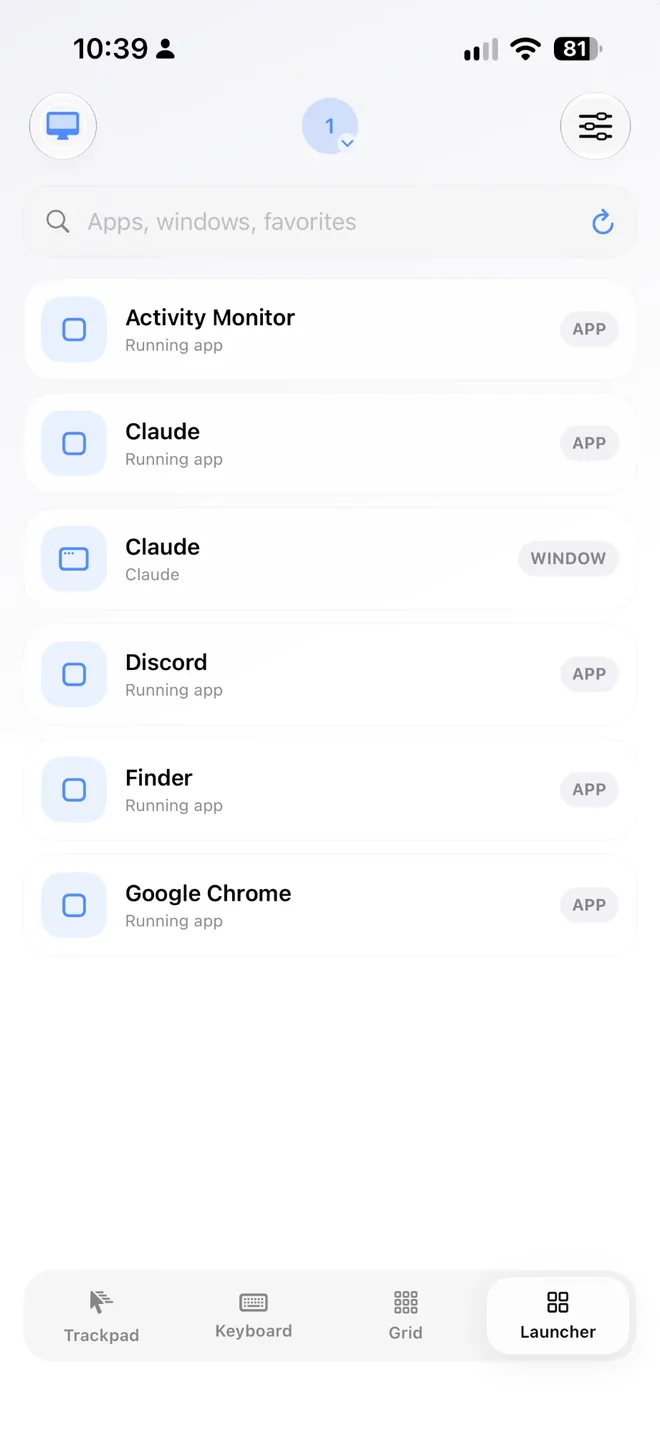
Launcher, window switching and shortcuts on glass beside your keyboard.
Built-in macOS options, where they fall short, and what helps.
The Mac app is free. Start the 7-day free trial of Full App on iPhone or iPad to build full Grids. If you don't keep it, Essentials stays free with the trackpad, keyboard basics and one Grid button.
macOS 14+ · Apple silicon · Intel Macs up to version 1.2.3 · No account